Skip to content
Elco Dev

Custom CRMs · internal tools · KPI dashboards

Software built around how your business runs.

When the business runs on spreadsheets, text threads and three tools that don't talk to each other, we build the one system that fits: a CRM, an internal tool or a KPI dashboard shaped around how your team already works, so the office, the field and the owner see the same numbers.

A good fit if you

  • Run the business from spreadsheets that only one person really understands
  • Re-key the same job, customer or invoice into two or three tools
  • Have crews or staff in the field and an office that can't see what they did
  • Wait until month-end to find out how the month went
  • Pay per seat for a big CRM and still keep a side spreadsheet

Sound familiar?

Where the time and money leak out

Most teams we talk to aren't short on software. They're short on one place that matches how the work actually gets done.

  • Spreadsheets as the system

    Versions emailed around, formulas that break, and no record of who changed what or when.

  • The same data, typed twice

    Customer details in the CRM, the job in a scheduler, the invoice in QuickBooks, each one entered by hand.

  • No view from the field

    Proof that the work was done lives in texts and photos on someone's phone, until a customer disputes it.

  • Reports take a day

    Someone exports, cleans and pastes data every week just to answer "how are we doing?"

  • Tools that don't fit

    Off-the-shelf software forces your process into its screens, so people work around it instead of in it.

  • Knowledge in one head

    How things get done lives with one person. When they're out, the work stalls.

What we build

One system, shaped to your workflow

01

Custom CRM

Customers, properties or sites, contacts, jobs and history in one record, with the fields and stages your business actually uses.

02

Internal tools

Admin panels, intake forms, scheduling and approval flows that replace the spreadsheet and the copy-paste.

03

KPI dashboards

The handful of numbers you run the business on, calculated from live data and shown by team, site, route or customer.

04

Field apps

Mobile apps for crews and staff: today's jobs, check-ins, photos and notes, recorded where the work happens.

05

Client portals

A place for your customers to see service history, requests and reports, so the office answers fewer calls.

06

Integrations and automations

QuickBooks Online, payments, email and text notifications, maps and routing, so data moves without being retyped.

Next.jsReactTypeScriptFirebaseFlutterAngularQuickBooks OnlineGoogle Maps

Client builds

Real operations, running on our software

What each system does and the manual work it was built to take over.

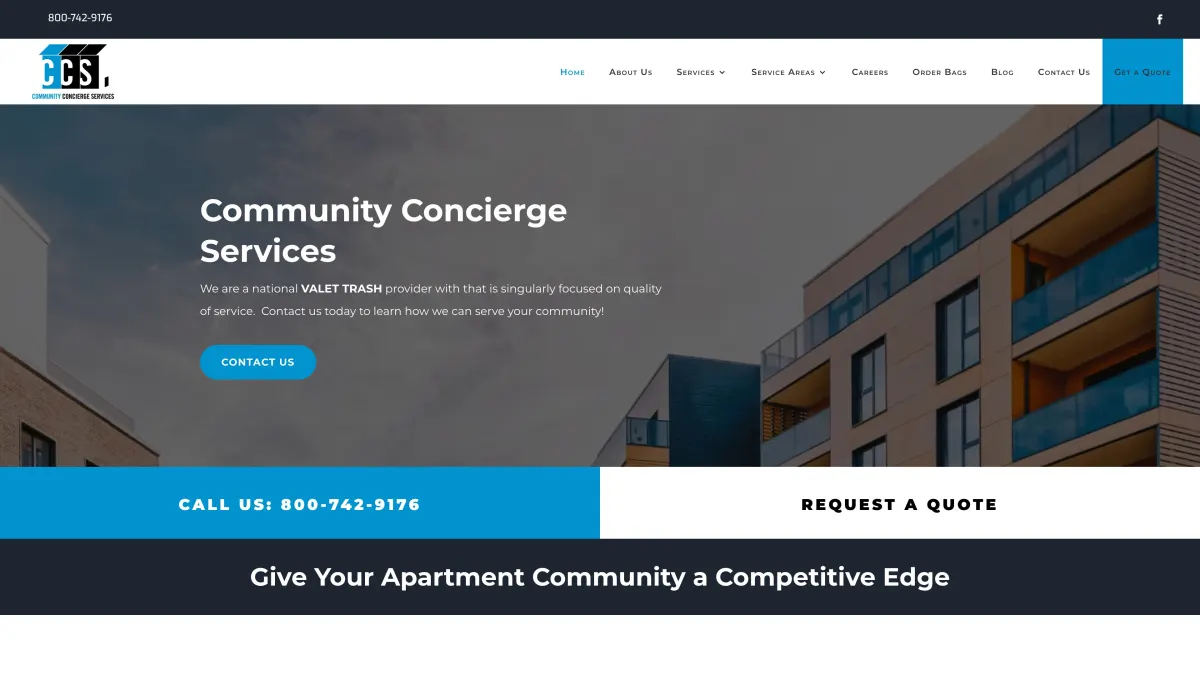
Community Concierge Services screenshot

Apartment valet trash · admin, managers, porters and property managers

Community Concierge Services

The operations platform behind a multifamily valet trash company: a web admin for the office, a mobile app for porters on their nightly shifts, a client portal for property managers, and phone and text intake.

Work it takes over

  • Confirming who showed up, with check-in only within a set distance of the property, plus photo checklists
  • Building violation reports by hand: PDFs are generated and emailed to each property
  • Daily payroll entries, created automatically for each worker
  • Fielding phone and text requests: a Twilio menu turns them into support tickets and flags urgent ones in Slack

What it makes visible

  • Weekly KPIs by property, market and region: on-time vs. late check-ins, properties serviced, labor paid
  • Each property's monthly budget against its scheduled labor cost
  • Open shifts, headcount, turnover and retention
  • Violations, complaints and service requests, for property managers in their own portal
FlutterNext.jsFirebaseGoogle MapsCommunity Concierge Services project
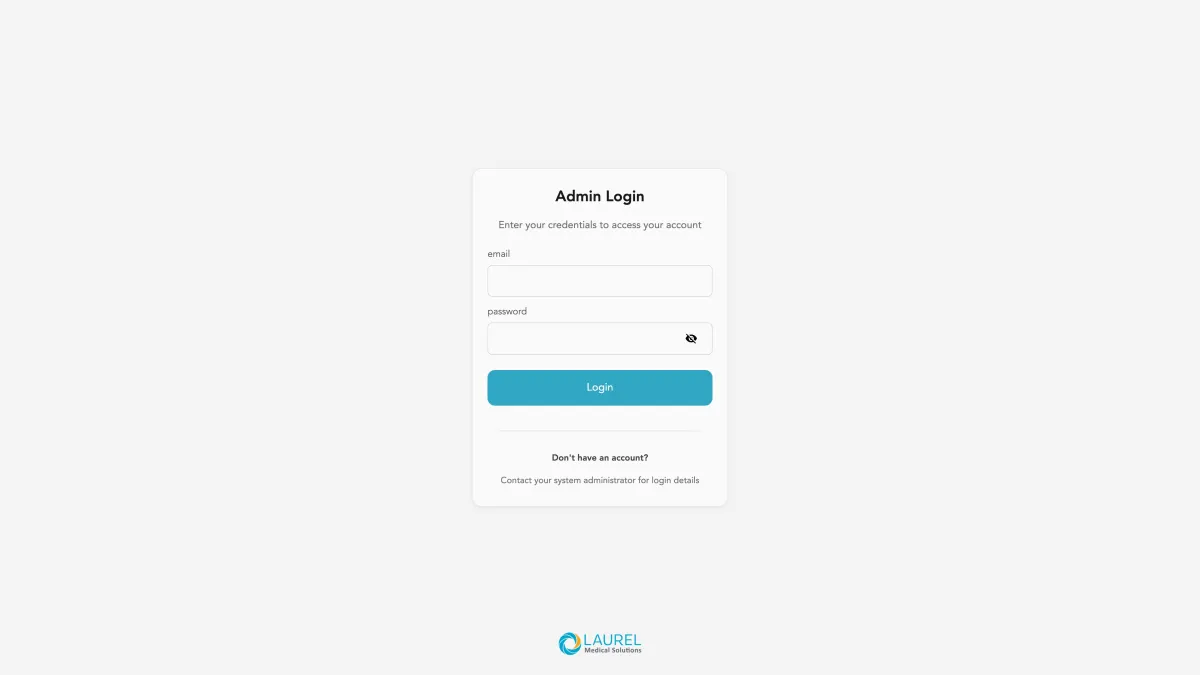
LaurelCRM screenshot

Patient order workflow · office staff, teams and patients

LaurelCRM

An internal CRM for Laurel Medical's order workflow, built from the ground up: configurable order types and steps, patient records, appointments, chat and surveys, with a companion app where patients follow their orders.

Work it takes over

  • Tracking each order's progress by hand, with order steps, approvals and time limits set up by the office
  • Chasing stalled orders: a daily alert flags steps that have run past their limit
  • Compiling status reports: daily, team, repair and mobility reports are emailed as spreadsheets
  • Status calls from patients, who see order updates and chat in the app

What it makes visible

  • Which step every order is on, how many days it has sat there and the last note
  • Completed orders per report period
  • Each team's queue and to-do list
AngularTypeScriptREST APIsLaurelCRM project
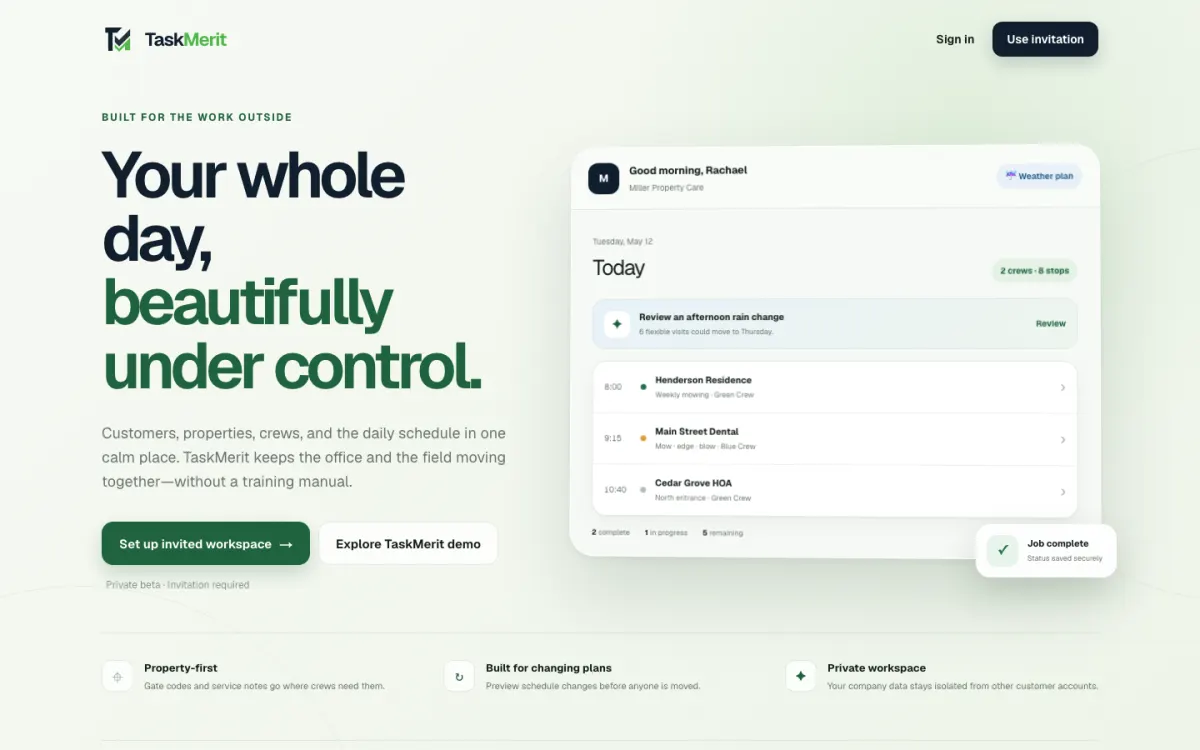
TaskMerit screenshot

Landscaping and snow removal · office, crews and customers

TaskMerit

A property-first field-service CRM. Customers, properties, crews and the schedule live in one place, from estimate to invoice to payment. Elco Dev leads the technology as CTO partner.

Work it takes over

  • Rebuilding the schedule by hand: repeating visits, bulk skip and move, and a rain-day reshuffle with a crew-capacity preview
  • Sending and chasing estimates: customers approve or decline online
  • Building invoices: they come from finished visits, in batches, with autopay and online payment
  • Re-keying into QuickBooks Online: customers, invoices and payments sync

What it makes visible

  • Today's stops, property alerts and before/after photos for every crew
  • The jobs pipeline from request to estimate to completed work, with expected vs. actual
  • Accounts receivable aging, with reminders
Next.jsFirebaseQuickBooks OnlineResendTaskMerit project
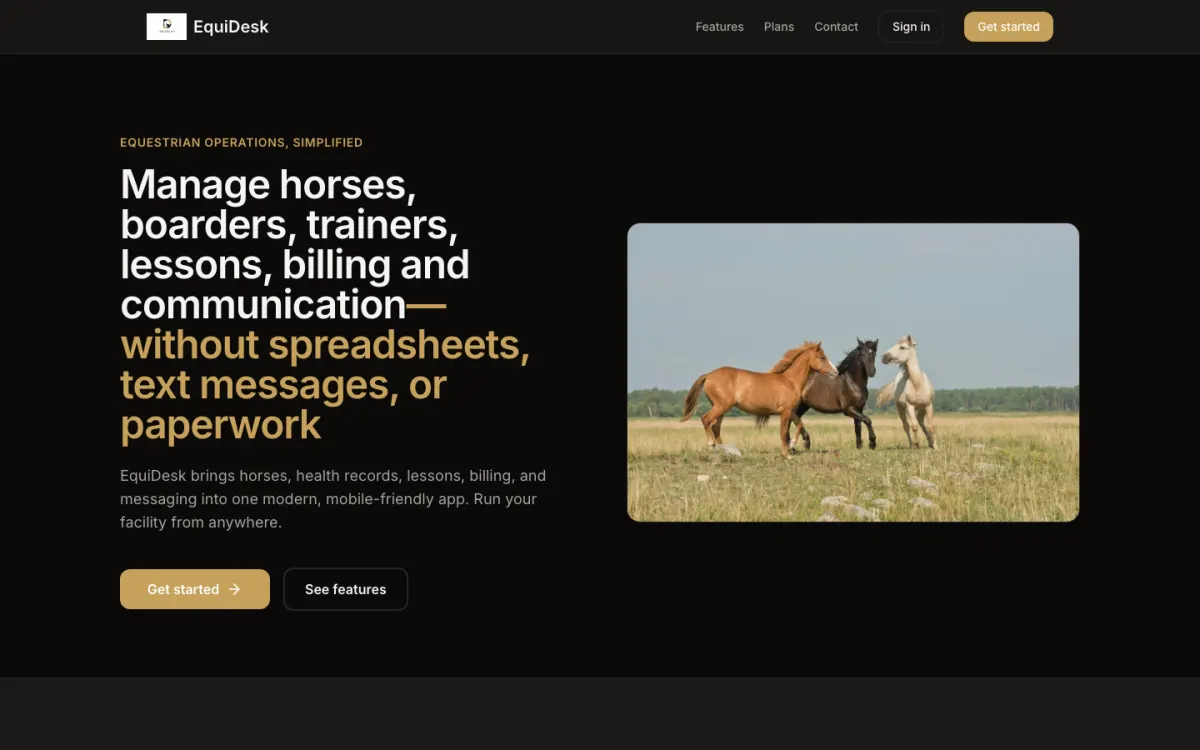
EquiDesk screenshot

Equestrian barns · managers, staff, owners, trainers and students

EquiDesk

Barn operations software with a portal for each role: horses and health records, stalls and turnout, feed, tasks, staff schedules, lessons and billing.

Work it takes over

  • Keeping up with vaccinations, Coggins, deworming, farrier and dental care: each horse's records are flagged when due
  • Passing along feed changes: requests go through the app, next to the barn's feed chart
  • Handing out daily chores: tasks are created from templates every day
  • Monthly billing: recurring invoices are generated on schedule, with online payment

What it makes visible

  • Active horses, pending tasks and service requests on the manager's home screen
  • Overdue and due-soon health items across the barn
  • Feed use and inventory per horse
Next.jsSaaSBillingEquiDesk project
“The company that I work for was in search for a CRM database to help with our expanding work load. Austin has been building this from the ground up and we have been nothing but pleased with the progress. Austin is also available to talk if there is an issue or if we have a new idea.”
Marla Nesbella · Laurel Medical

What it's worth

Put a number on the manual work

Custom software pays for itself when it gives people back hours, catches the jobs and invoices that slip, or shows a problem while there's still time to fix it.

Plug in your own numbers. On the first call we'll work out where the hours really go, and we measure the same things again after launch, so you can see the before and after.

Time spent on it each year

960 hrs

What that time costs each year

$33,600

5 × 4 hrs × 48 working weeks × $35. An estimate from your own numbers, not a client result. A tool that removes half of that work is worth $16,800 a year.

How it works

From your spreadsheet to a system your team uses

  1. 01

    Map the workflow

    A free call, then a working session where we walk through the spreadsheets, tools and handoffs your team uses today, and note where the hours go.

  2. 02

    Scope the first version

    One workflow done well, with a fixed quote and timeline. We agree up front which numbers to measure before and after.

  3. 03

    Build with your data

    Short cycles with working builds, loaded with your real customers and jobs, so the team tries it on actual work.

  4. 04

    Roll out and measure

    Training, a clean switch-over from the old way, then a look at the numbers and the next most useful thing to add.

Pricing

A focused first version is scoped like our MVP product build, which starts at $7,000. Larger systems, data migration and ongoing work are quoted after the workflow call, so you know the price before we start.

See MVP pricing

FAQ

Questions before a custom build

Something else? Email austin@elcodev.com.

Why custom instead of Salesforce, HubSpot or an off-the-shelf tool?

Off-the-shelf tools are a good start, and we'll tell you if one fits. Custom makes sense when your team keeps bending the tool to fit the work: workarounds, side spreadsheets, per-seat fees for features nobody uses. A custom system follows your workflow, and you own the code and the data.

Can you move our spreadsheets and existing data over?

Yes. We import your existing spreadsheets and exports as part of the build, so the team starts with real customers, sites and history instead of a blank screen.

Can it connect to the tools we already use?

Usually. We've connected QuickBooks Online, payment processors, transactional email, Google Maps and other APIs. If a tool has an API or an export, we can work with it.

Will it work for people in the field?

Yes. We build mobile-friendly web apps and native field apps, as we did for Community Concierge Services' crews, so work is recorded where it happens.

How long does a first version take?

It depends on scope, and we set an accurate timeline after the first call. A focused first version, one workflow done well, is scoped like our MVP builds, which typically take about 14 days. Then we add to it in short cycles once your team is using it.

Who owns the software?

You do. The code, the data and the hosting accounts are yours, and we can keep developing and supporting it for as long as you want.

Show us the spreadsheet

A free 30-minute call. Walk us through how the work moves today, and you'll leave with what we'd build first, a timeline and a price range.

Prefer email? austin@elcodev.com

Loading the calendar…

Open the booking page

Not ready for a call? Send a few details.